My Design Process

I've managed design work using Notion, Google Drive, Miro, and Figma. Sometimes, the easiest solution was just sharing links in Slack, since that's where the team spent most of their time. My approach is straightforward: the best tool is the one the team feels comfortable with and that keeps everyone on the same page. I believe tools should support the process, not dictate it.

[ 01 ]

Research & Planning

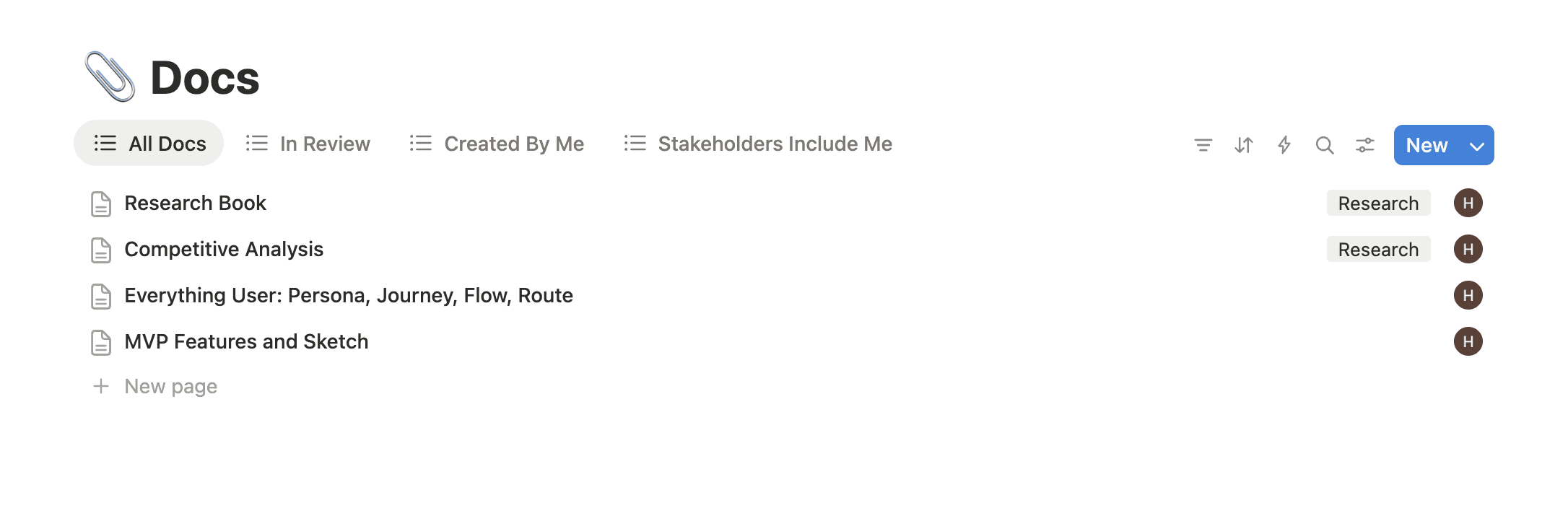
When a project calls for it, I begin by gathering everything in one place. This includes competitive analysis, user insights, secondary research, and sprint timelines.

For tight deadlines I map deliverables against dates so nothing slips.
[ 02 ]

Lo-fi & Drafts

I start rough on purpose

I use early sketches and hand-drawn wireframes to quickly try out ideas without worrying too much about the details.

I use early sketches and hand-drawn wireframes to quickly try out ideas without worrying too much about the details.

Drafts are linked to their specific milestones, making it easy to trace ideas back to the problems they address.

Drafts are linked to their specific milestones, making it easy to trace ideas back to the problems they address.

I always save past versions in Figma, so if the project changes direction, nothing is lost.

I always save past versions in Figma, so if the project changes direction, nothing is lost.

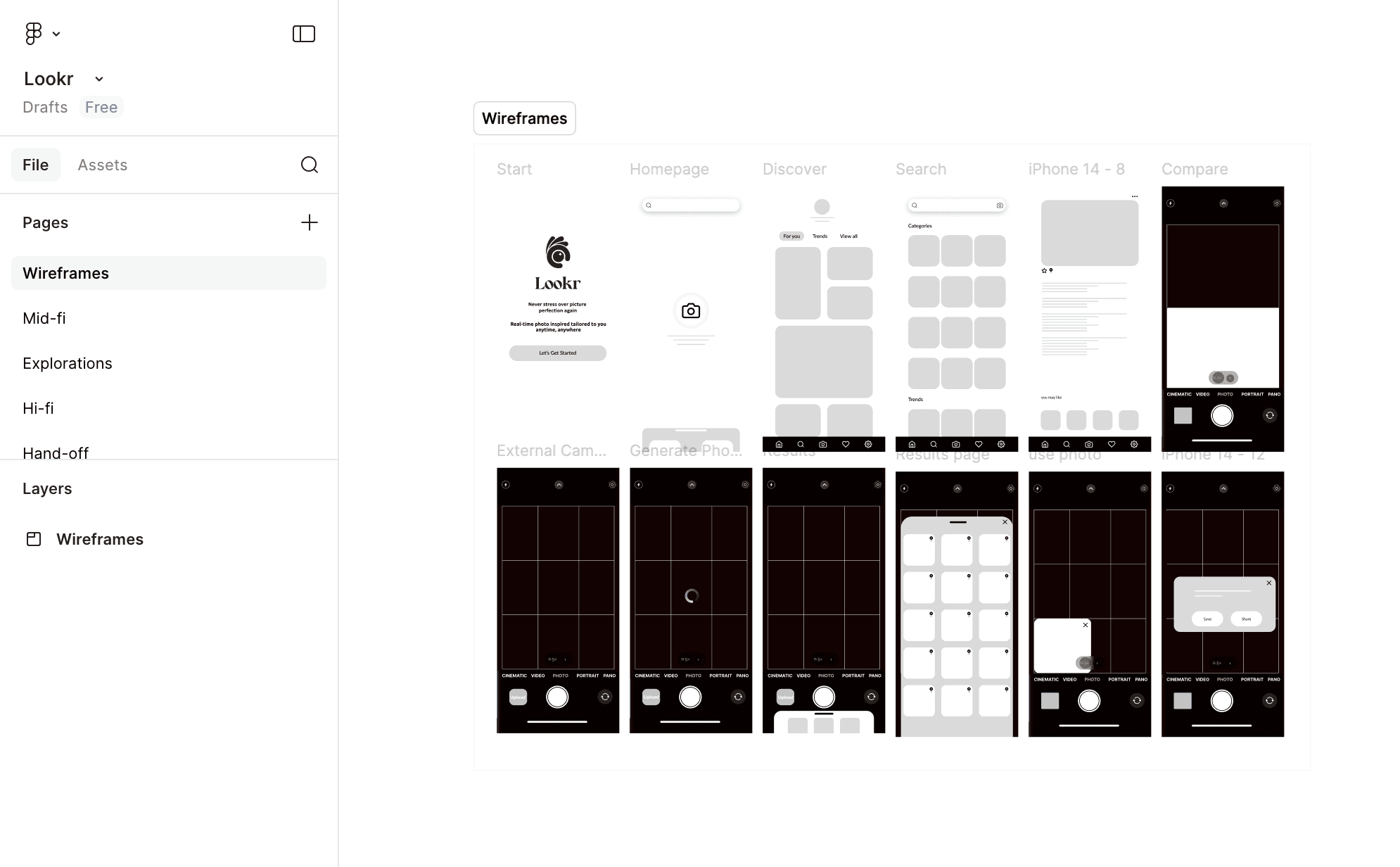
Example of sections organized in Figma
[ 03 ]

Mid-fi to Hi-fi

Wireframes and final designs live in Figma, linked from wherever the team's source of truth is.

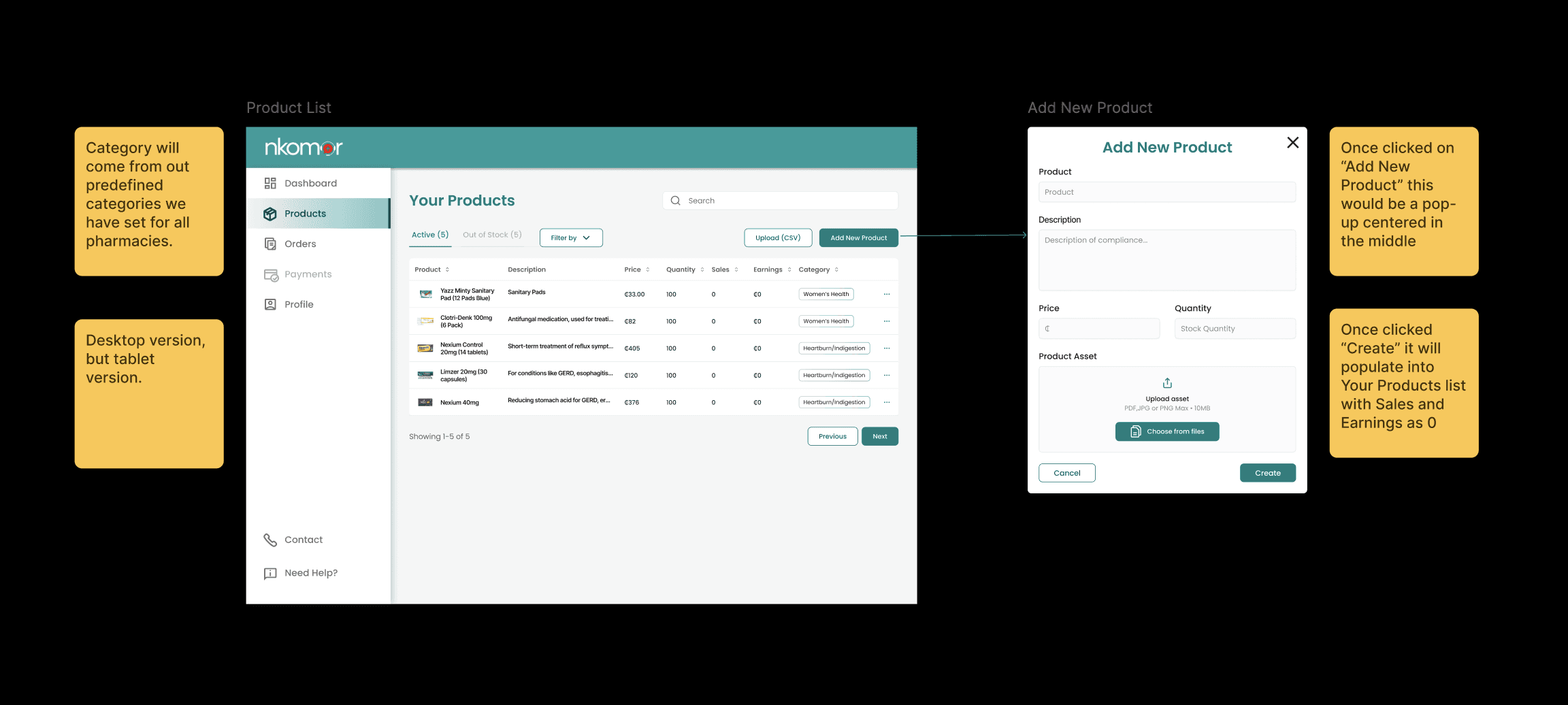
I leave comments directly in Figma to explain my decisions as I go. When a design needs more context, such as how it works or what triggers certain actions, I add sticky-note annotations on the sides of the frames.

[ 04 ]

Prototyping

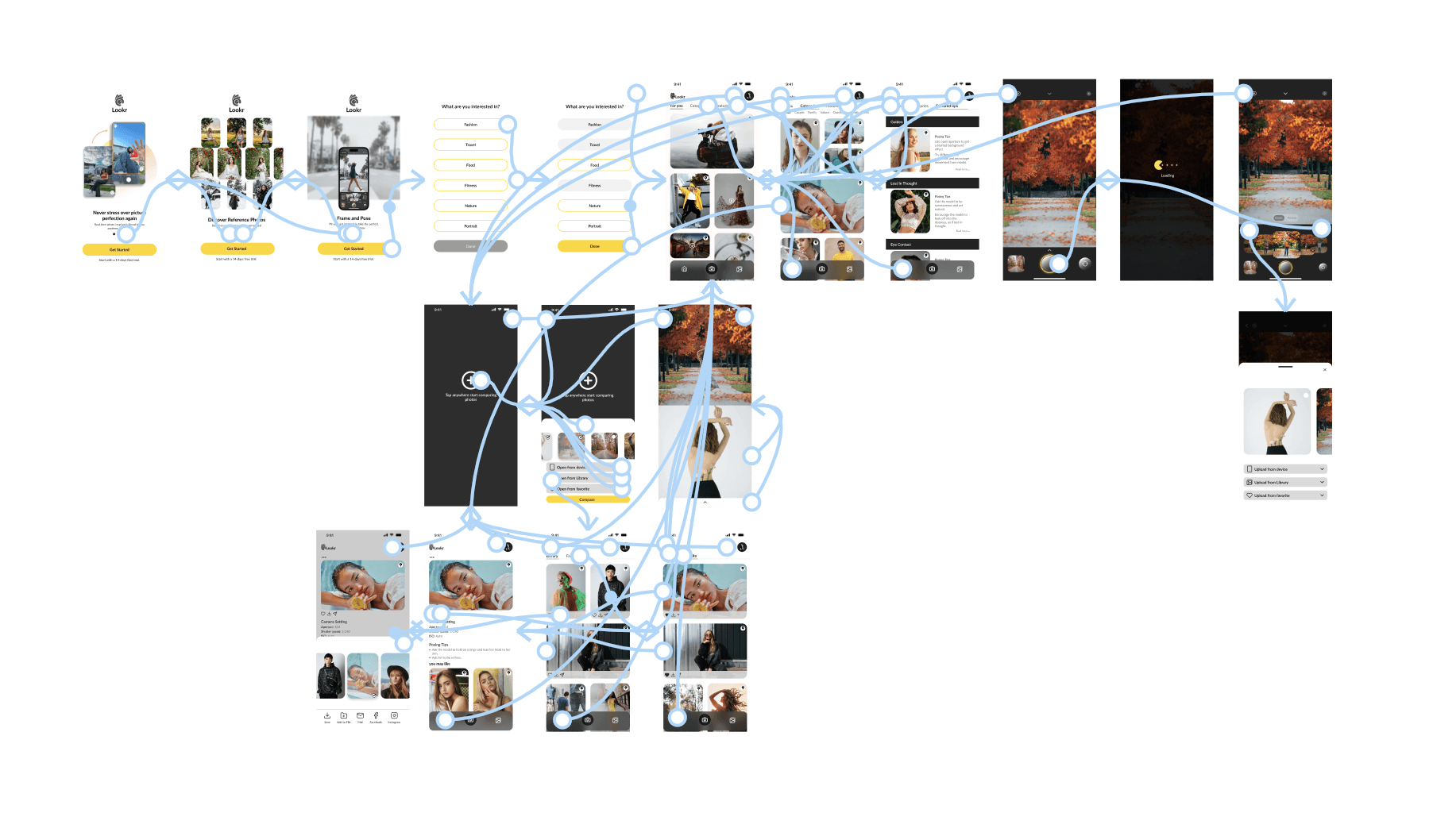
When time allows I always build a working prototype

Watching interactions in action is quicker than reading a specification. Engineers can quickly see which elements move and how everything connects.

Watching interactions in action is quicker than reading a specification. Engineers can quickly see which elements move and how everything connects.

If I'm short on time, I use Figma comments or annotations to document interactions.

If I'm short on time, I use Figma comments or annotations to document interactions.

I've recorded a walkthrough with voiceover for the more complex flows. This way, stakeholders can review it at their convenience rather than attend a live meeting.

I've recorded a walkthrough with voiceover for the more complex flows. This way, stakeholders can review it at their convenience rather than attend a live meeting.

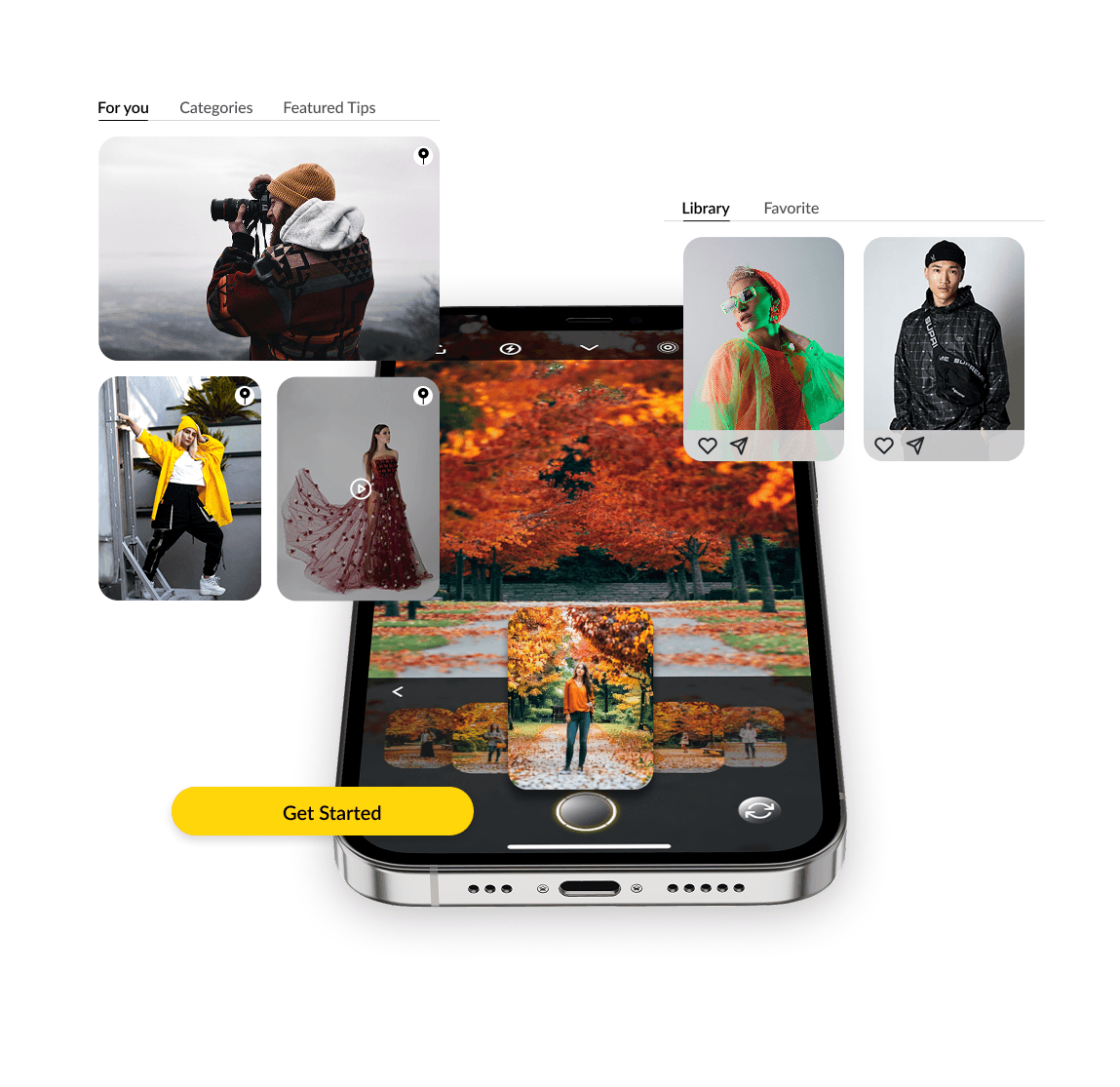
Example of working prototype from Lookr
[ 05 ]

Handoff

When the build goes live, I review it against my designs. I prefer to do this with the PM so we can answer questions right away rather than wait for another development cycle. Design continues even after handoff.

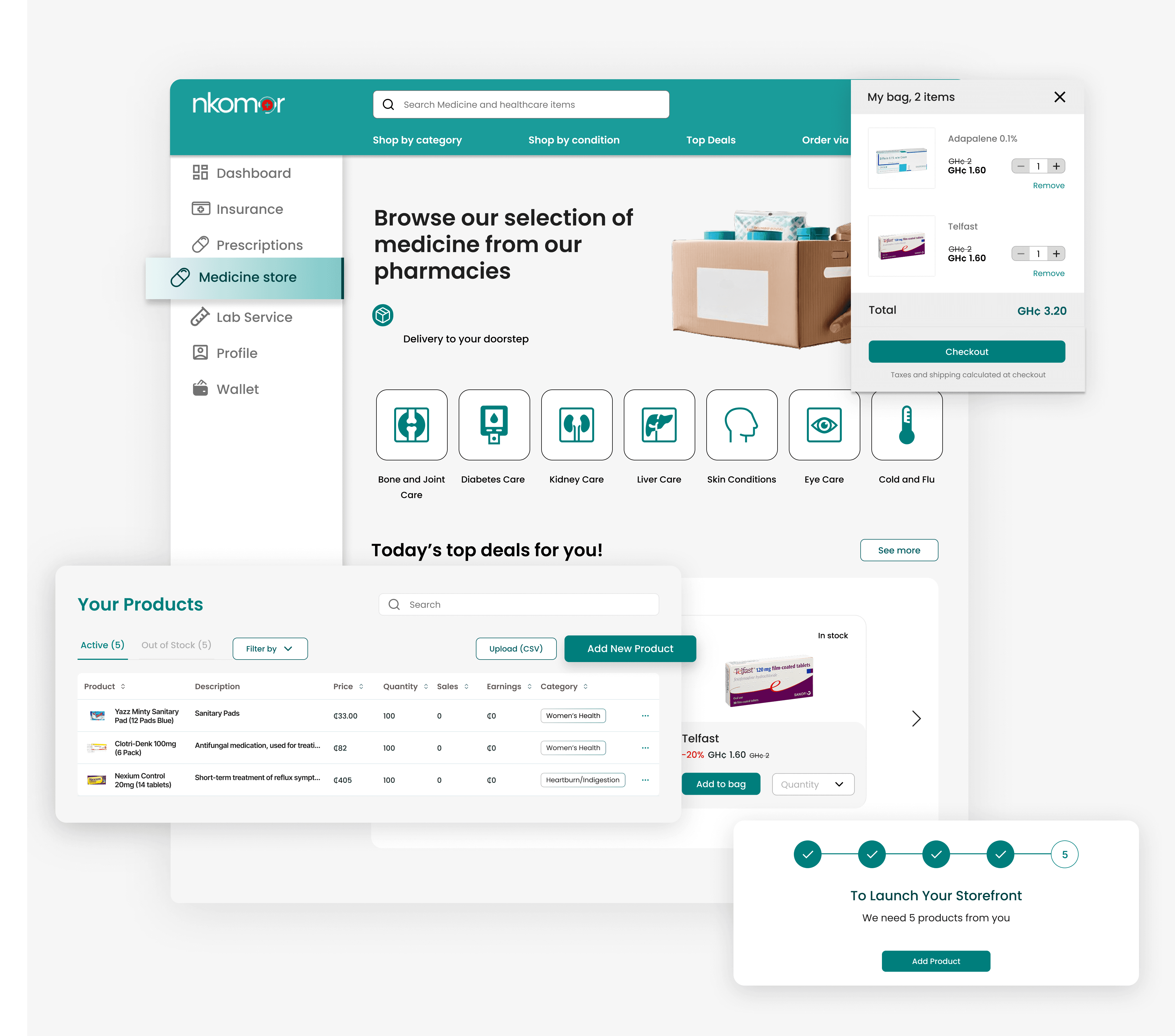
Example of fast handoff annotations for engineers from Nkomar
[ 06 ]

QA & Iteration

When the build goes live I check it against my designs — ideally with the PM together so questions get resolved immediately, not after another dev cycle. Design doesn't stop at handoff.

I’ve worked with annotated Figma specs, shared direct Slack links, and collaborated in real time with engineers in Figma. I use whatever approach helps development move quickly.

I’ve worked with annotated Figma specs, shared direct Slack links, and collaborated in real time with engineers in Figma. I use whatever approach helps development move quickly.

I document design decisions in the same places where we discuss them, such as Slack threads, Figma comments, and during meetings with PMs and stakeholders.

I document design decisions in the same places where we discuss them, such as Slack threads, Figma comments, and during meetings with PMs and stakeholders.